![Logo_HeyTeam-1.png]](https://support.heyteam.com/hs-fs/hubfs/Logo_HeyTeam-1.png?width=40&height=40&name=Logo_HeyTeam-1.png)
From your account, you can easily get in touch with a member of your team (for example, your HR manager or your direct manager).
You can:
- Share a document
- Chat directly via the built-in messaging system
There are two ways to contact a member of your team:
1️⃣ Via Messaging
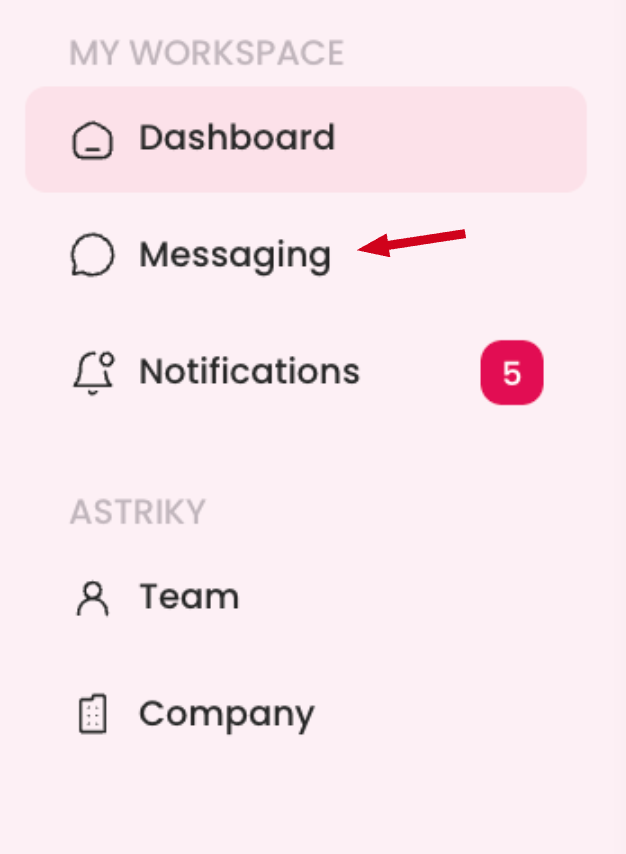
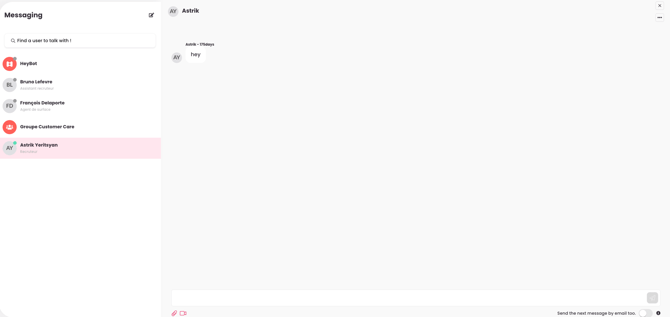
- Click “Messaging”
- Use the search bar to enter the name of the colleague you want to contact
2️⃣ Via the Team page
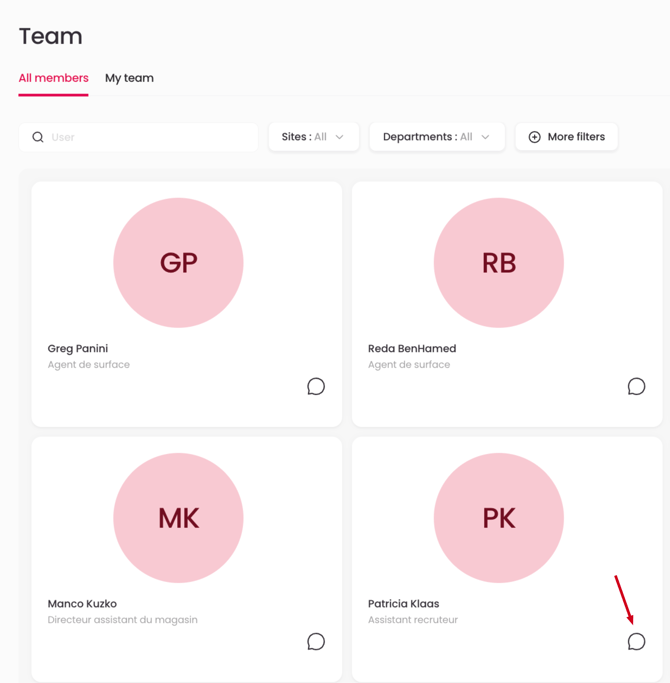
- Click “Members of the team”
- View the full list of your colleagues
- For each person, you will see their role
- Click on the 💬 emoji to be redirected to the messaging system and start the conversation
You will also be notified when you receive a reply.